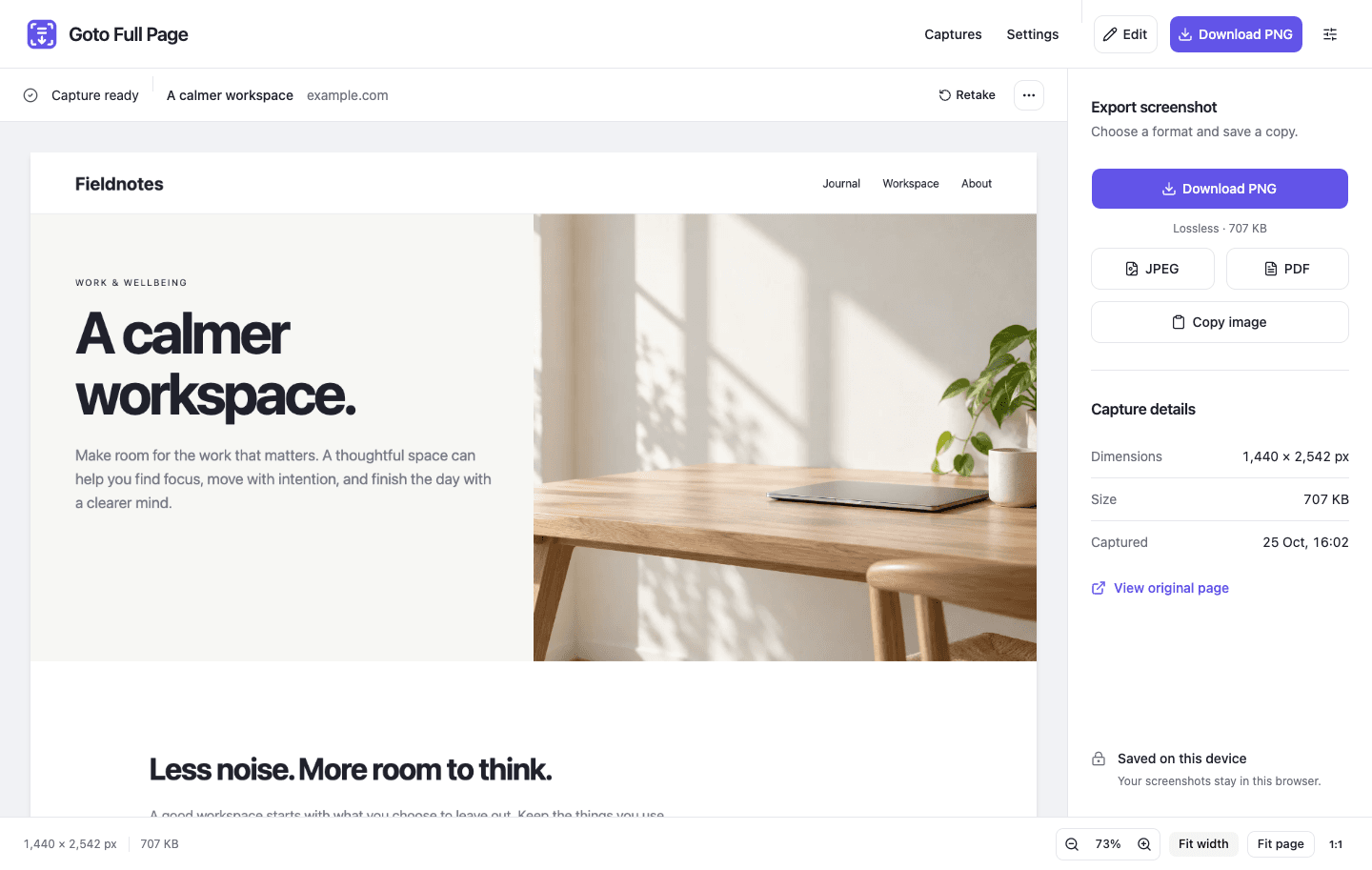
Goto Full Page 2.5.3 brings a new workspace from capture to export. The update is being published; availability depends on Chrome Web Store review and updates.
Capture the page, clear the clutter
Full-page capture temporarily hides common website popups, cookie banners, and dim overlays, then restores them when finished or cancelled. Unusual widgets and closed shadow roots may still need manual dismissal. Visible-area capture keeps what is on screen.
Go deeper into embedded pages
Optional website access lets the extension prepare cross-origin and nested frames. Large scrolling panels are supported, and the page’s styles and scroll position are restored afterward.
Keep long pages at full resolution
Very large screenshots are stored as linked parts, with a limit of roughly 24 million pixels per image. Switch between parts in the preview and download each separately.
Make your point
Use Fit width, Fit page, actual size, zoom, and pan. Crop, draw shapes and arrows, add text or emoji, and blur sensitive areas. Undo, redo, and save edits locally.
Choose your file
Download PNG, JPEG, or image-based PDF, or copy a PNG. PDF options include A4, US Letter, US Legal, full-image pages, orientation, smart page breaks, and page details. Search the local library, download several captures together, and set filename templates or automatic downloads.
Capturing, editing, and exporting happen on your device. No account or watermark. Explore every feature.
 Add to Chrome — free